Running a Shopify store without analytics is like driving at night with no headlights. You might get somewhere, but you’re taking a lot of unnecessary risks.
The good news? There are some excellent apps that can show you exactly what’s working in your store, which products are selling, where your customers are dropping off, and which marketing channels are actually worth your money.
In this post, I’ll walk you through the best Shopify analytics apps in 2026, covering who each one is best for, what it costs, and whether it’s actually worth installing.
Why Shopify’s Built-In Analytics Aren’t Always Enough
Shopify does come with native analytics and they’re decent for a quick overview. But if you want to go deeper (think: customer lifetime value, profit per order, cart abandonment funnels, or real-time ad ROI), you’ll need a third-party app.
The right analytics app can help you:
- Track where your customers come from and what they do on your site
- Figure out which products are actually profitable (not just popular)
- Spot trends before they become problems
- Stop guessing and start making data-backed decisions
Let’s get into the picks.
Quick Comparison: Best Shopify Analytics Apps
| App | Best For | Starting Price | Free Plan? |
| Analyzely | GA4 integration | $19/month | Yes |
| TrueProfit | Net profit tracking | $35/month | Trial |
| Better Reports | Custom financial reports | $19.90/month | Trial |
| Mipler | AI-powered dashboards | $39.99/month | Yes |
| Report Pundit | Multi-store reporting | $9/month | Trial |
The 5 Best Shopify Analytics Apps in 2026
1. Analyzely – Google Analytics 4
Best for: Store owners who want accurate GA4 tracking without the tech headache
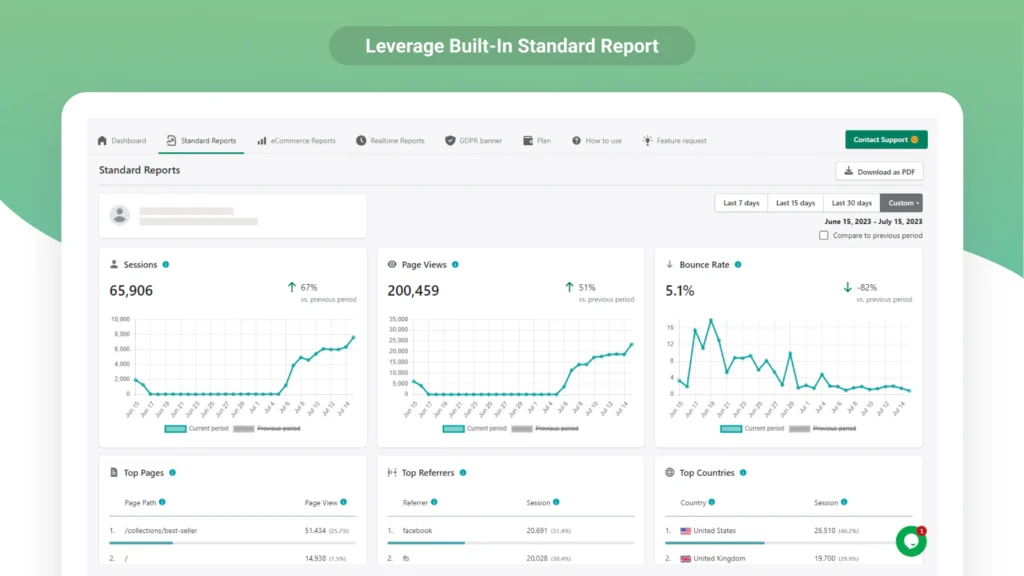
If you’ve been putting off setting up Google Analytics 4 because it feels complicated, Analyzely is your answer. It connects your Shopify store to GA4 in minutes and handles all the messy stuff (event tracking, ecommerce reports, server-side setup) automatically.
What makes it stand out is server-side event tracking, which means your data stays accurate even when customers have ad blockers turned on. For most store owners, that’s a surprisingly big deal.
Key Features:
- Automatic GA4 measurement ID setup and no coding needed
- eCommerce reports: conversion funnels, top products, traffic sources
- Server-side event tracking to bypass ad blockers
- Real-time dashboards for live store metrics
- GDPR-friendly tracking options
- Customizable date-range filtering
Pricing:
- Free Plan: GA4 integration + standard reports
- Pro Plan: $19/month (ecommerce reports + server-side tracking)
Verdict: If you want GA4 done right without hiring a developer, Analyzely is the easiest path. The free plan is genuinely useful, and the Pro upgrade is well worth it for serious stores.
2. TrueProfit – Net Profit Analytics
Best for: Merchants who want to see actual profit, not just revenue
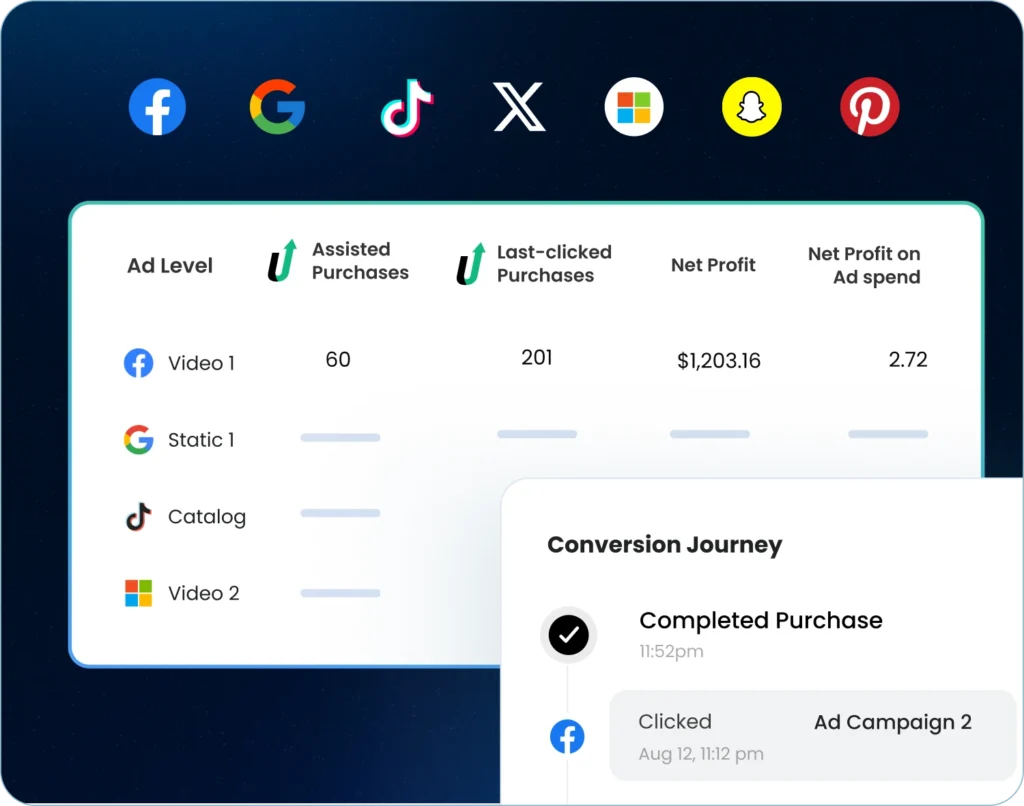
Revenue is vanity. Profit is sanity. TrueProfit is built around that idea.
It pulls in your ad spend from Facebook, Google, TikTok, and other platforms, combines it with your COGS and shipping costs, and shows you your real net profit per order, per product, per campaign.
If you’re running paid ads and you’re not sure whether your store is actually making money after all costs, this app will give you that answer fast.
Key Features:
- Real-time profit dashboard with true net profit metrics
- Auto-sync ad costs from Meta, Google, TikTok, and more
- Product-level profit analytics
- Customer lifetime value (LTV) tracking
- P&L reports and bundle insights
- Mobile app access + multi-store support
Pricing:
- Basic: $35/month (up to 300 orders/month)
- Ultimate: $100/month (up to 1,500 orders/month)
- 14-day free trial available
Verdict: TrueProfit is a must-have if you’re spending money on ads and want to know if those ads are actually profitable. The price is justified if it prevents even one bad month of ad spend.
3. Better Reports
Best for: Teams that need detailed, shareable financial and sales reports
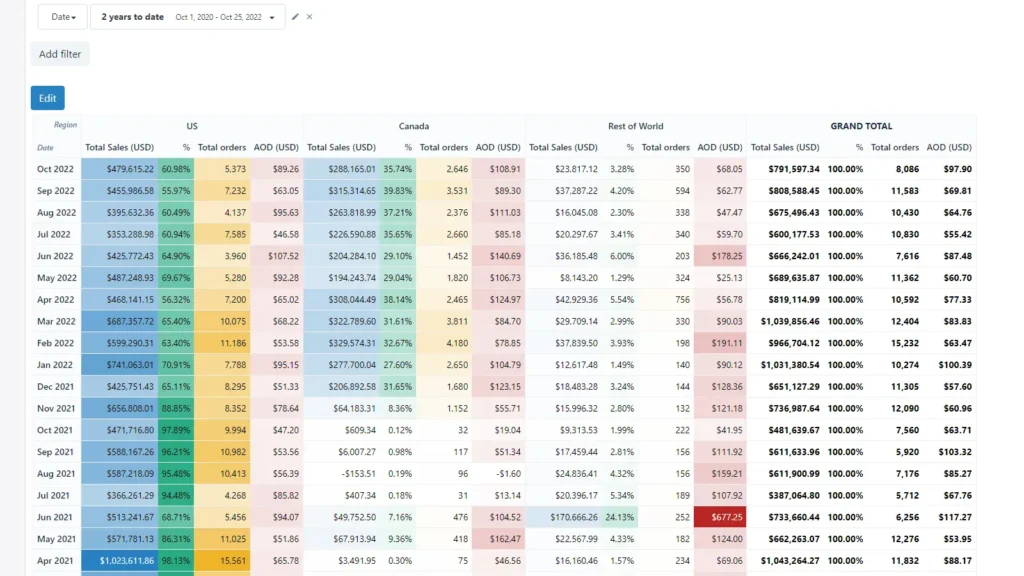
Better Reports takes Shopify’s reporting and turns it up several notches. You can build custom reports from scratch, schedule them to be emailed to your team automatically, and export to PDF, Excel, or Google Sheets.
One thing users love? The support team will actually build custom reports for you for free. That’s rare.
Key Features:
- Pre-built and fully custom report templates
- Export to PDF, Excel, CSV, or Google Sheets
- Scheduled email reports for your team
- Multi-currency and multi-store support
- POS system compatibility
- Metafield and tag-based filtering
Pricing:
- Basic Plan: $19.90/month (Basic Shopify)
- Advanced Plan: $149.90/month (Advanced Shopify)
- 14-day free trial
Verdict: Better Reports lives up to its name. If Shopify’s built-in reports feel too limited, this is the upgrade you’re looking for especially if you manage inventory or have a team that needs regular reporting.
4. Mipler – Advanced Reporting
Best for: Merchants who want AI-assisted dashboards without a steep learning curve
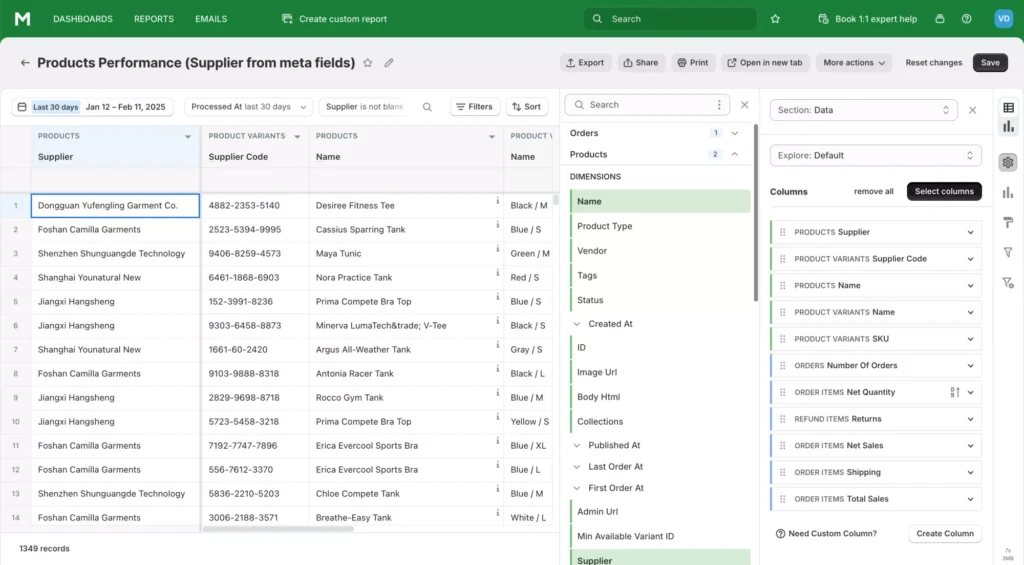
Mipler is the analytics app for people who like the idea of deep insights but don’t want to spend hours configuring dashboards. Its AI assistant helps you build reports quickly, users say it cuts report creation time significantly.
It covers sales, inventory, tax reports, customer behavior, and more. You can also sync everything to Google Sheets automatically.
Key Features:
- 60+ built-in reports for sales, tax, and inventory
- AI-powered report customization
- Public link sharing for secure team collaboration
- Data API access for developers
- Multi-store reporting support
- Scheduled email exports + live chat support
Pricing:
- Free Plan: Up to 1,000 lifetime orders
- Advanced Plan: $39.99/month (unlimited custom reports + dedicated support)
Verdict: Mipler is excellent value, especially with the free plan for smaller stores. The AI assistant makes it beginner-friendly without dumbing down the actual reporting capabilities.
5. Report Pundit
Best for: Multi-store owners and brands with complex reporting needs
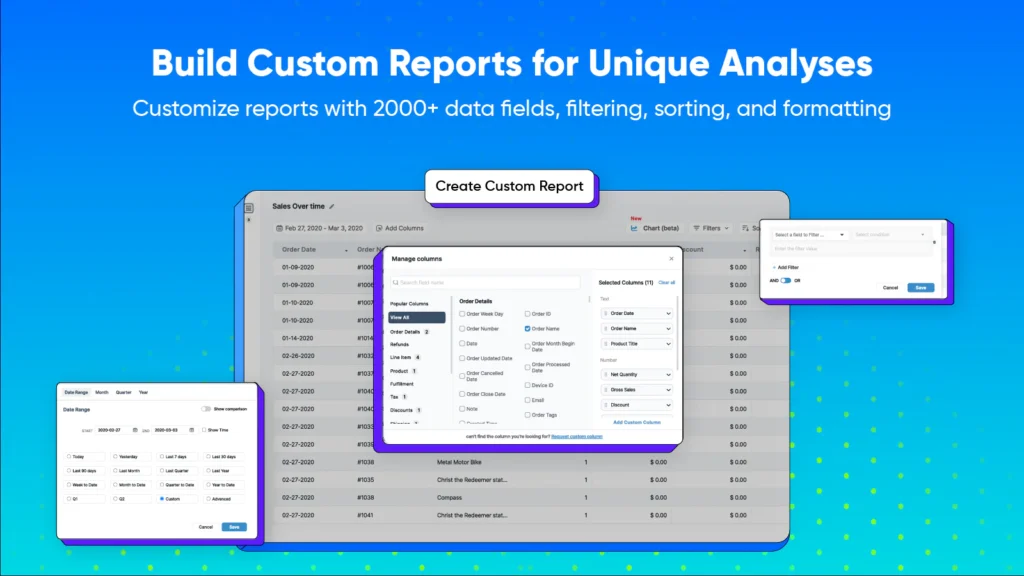
Report Pundit goes wide rather than deep, it integrates with 30+ payment, shipping, and fulfillment apps, making it ideal if your Shopify setup has a lot of moving parts.
It’s also one of the most affordable options on this list, starting at just $9/month for Basic Shopify users. And like Better Reports, they offer a free custom report setup service.
Key Features:
- 100+ pre-built reports (sales, tax, fulfillment)
- Calculated fields for custom metrics like profit margins
- Multi-currency and multi-store support
- Automated scheduling and email delivery
- Export to Excel, CSV, or PDF
- POS compatibility + 30+ app integrations
Pricing:
- Basic Plan: $9/month (Basic Shopify)
- Advanced Plan: $35/month (Advanced Shopify)
- 7-day free trial
Verdict: Report Pundit is the best bang for your buck if you need multi-store or multi-currency reporting. At $9/month, it’s hard to argue against at least trying it.
How to Pick the Right Shopify Analytics App
Not sure which one to go with? Here’s a simple way to think about it:
- Go with Analyzely if: You want proper GA4 setup without touching any code. Great starting point for most stores.
- Go with TrueProfit if: You’re running paid ads and need to see your actual profit margin after all costs and not just gross revenue.
- Go with Better Reports if: You need detailed, customizable reports that you can share with your team or accountant on a schedule.
- Go with Mipler if: You want smart dashboards with AI assistance and don’t want to spend hours configuring things.
- Go with Report Pundit if: You’re managing multiple stores or need a reporting tool that talks to your other apps (shipping, payments, etc.).
Pro tip: Most of these have free trials. Start with the one that matches your biggest current pain point whether that’s ad ROI, inventory tracking, or understanding your customer funnel.
FAQs
Does Shopify have built-in analytics?
Yes, Shopify includes basic analytics in all plans, you can see orders, sales, sessions, and top products. However, the built-in reports are limited, especially on lower-tier plans. For detailed funnel analysis, profit tracking, or custom reporting, you’ll want a third-party app.
What’s the best free Shopify analytics app?
Analyzely is the strongest free option, it connects your store to Google Analytics 4 for free and includes standard ecommerce reports. Mipler also has a solid free plan if you have under 1,000 lifetime orders.
Do analytics apps slow down my Shopify store?
Most well-built analytics apps (including all the ones on this list) use asynchronous loading, which means they load separately from your storefront and don’t slow down your pages for customers.
What’s the difference between revenue tracking and profit tracking?
Revenue tracking shows how much money came into your store. Profit tracking accounts for all your costs such as ad spend, COGS, shipping, transaction fees and shows what you actually keep. Apps like TrueProfit are built specifically for profit tracking, which is more useful if you’re running paid ads.
Can I use multiple analytics apps at the same time?
Yes, you can. Many store owners use Analyzely (for GA4 and customer behavior) alongside TrueProfit (for profit tracking) and they serve different purposes and don’t conflict. Just be mindful of how many apps you’re installing, as too many can occasionally cause tracking conflicts.
Which analytics app is best for beginners?
Analyzely and Mipler are both beginner-friendly. Analyzely handles GA4 setup automatically, and Mipler’s AI assistant helps you build reports without needing to understand the data model first.
Do I need a developer to set up these apps?
No. All the apps on this list are designed for non-technical users. Installation is usually a one-click process from the Shopify App Store, and most setup steps are guided.
Is it worth paying for a Shopify analytics app?
If you’re doing any meaningful volume (say, $5,000+/month in revenue), the answer is almost certainly yes. Knowing which products are most profitable, which ad campaigns are working, and where customers drop off can save you far more than the $20–$40/month these apps cost.
Final Thoughts
Analytics isn’t just for big brands with data teams. Even a small Shopify store benefits from knowing what’s working and what’s not.
If you’re just getting started, install Analyzely for free and get GA4 connected. Once you’re running ads, add TrueProfit to see your real profitability. And if your team needs regular reports, Better Reports or Report Pundit will save you hours every week.
The data is already there in your store and these apps just help you make sense of it.