Every startup needs a professional touch in its content, whether for blogs, websites, presentations, or video marketing. However, hiring a professional photographer can be prohibitively expensive when you have just started your online business ideas.
Fortunately, there are dozens of high-quality stock photo providers with massive communities of freelance photographers and editors. Choosing the right platform can give you access to millions of assets while saving you thousands of dollars.
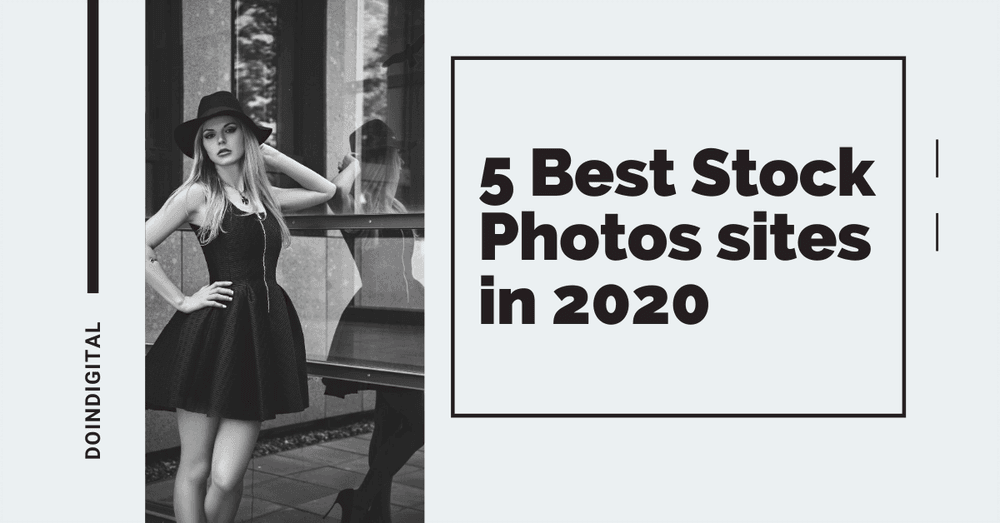
Below, we recommend the top 5 websites for stock photos in 2026, covering both free and premium options.
1. Freepik
Best For: Affordable vectors, PSDs, and AI-generated assets.
Freepik has grown into a massive design marketplace, offering far more than just photos. In 2026, their library boasts over 200 million assets, including vectors, PSD templates, icons, and a rapidly expanding collection of AI-generated images. It is incredibly easy to filter images by color, orientation, and style, making it a favorite for designers.
Pricing & Features
- Free Plan: You can access thousands of free assets, but you must attribute the author and Freepik (e.g., “Designed by Freepik”).
- Premium Plan: Starts at roughly $12/month (billed annually). This unlocks the full library, removes attribution requirements, and includes access to their “suite” of AI tools.
- Essential Plan: A newer tier (~$5.75/mo) strictly for users who only want AI generation tools without the premium stock library.
Why Choose It: If you need editable vector files or mockups alongside your photos, Freepik is the best hybrid option.
2. Shutterstock
Best For: Corporate businesses needing legal safety and massive variety.
Shutterstock remains the industry giant with a library of over 400 million images, adding hundreds of thousands of new assets daily. If you are looking for specific, high-quality editorial images or 4K footage for a commercial project, Shutterstock is the gold standard.
Pricing & Features
- Subscriptions: Plans start around $29/month for 10 images. For heavy users, plans go up to $199+ for 750 images/month.
- Flexibility: They offer “Flex” plans that allow you to mix and match image, video, and music downloads.
- AI & Tools: Includes a powerful online editor and a dedicated AI image generator that ensures artists are compensated for their contributions.
Verdict: Choose Shutterstock if you have a budget and need strict legal indemnification for your brand. It pairs well with professional video editing if you also use stock footage, check our Mixkit review for a free video alternative.
3. Unsplash
Best For: Artistic, high-resolution photography.
Unsplash is widely loved for its “authentic” look. Unlike the staged, corporate feel of some stock sites, Unsplash photos often look like they were taken by a professional lifestyle photographer. It hosts over 3 million high-quality curated images contributed by a community of dedicated photographers.
Pricing & Features
- License: Free to use for commercial and non-commercial purposes. Attribution is appreciated but not required.
- Unsplash+: A membership tier (~$7/month via yearly launch specials) that offers unlimited downloads of exclusive content and, critically, enhanced legal protection and a warranty up to $10,000.
Pro Tip: Looking for unique visuals? Consider creating your own using AI image generation tools if you can’t find the perfect stock photo.
4. Pexels
Best For: Completely free stock photos and videos with no strings attached.
Often confused with “Pixels,” Pexels is a top-tier free stock site that aggregates images from its community and other free sources. A standout feature is its inclusivity and the availability of vertical videos, which are perfect for TikTok or Instagram Reels.
Pricing & Features
- Cost: Completely Free. Pexels does not have a subscription plan for its own content.
- License: Licensed under Creative Commons Zero (CC0), meaning you can modify and use photos commercially without attribution.
- Integration: Owned by Canva, Pexels integrates seamlessly into the Canva editor for quick social media design.
UI Mockups: While Pexels focuses on photos, if you are looking for UI mockups mentioned in older guides, we recommend checking out Envato Elements.
5. Depositphotos
Best For: Flexible, affordable plans for casual buyers.
Depositphotos strikes a balance between quality and cost. With a massive library of over 325 million files, it supports multiple languages and offers excellent advanced search filters, including a reverse image search. It is often cited as the most “budget-friendly” premium option.
Pricing & Features
- Flex Plan: Their popular plan allows for 10 images for ~$9.99/month, with unused downloads rolling over to the next month.
- On-Demand: You can buy “packs” of images if you don’t want a monthly recurring bill.
- Free Collection: They do offer a selection of free files, though the best content is naturally behind the paywall.
Verdict: If Shutterstock is too expensive but you need more variety than Unsplash, Depositphotos is the perfect middle ground.
Summary Comparison
| Platform | Pricing Model | Collection Size | Best For |
| Freepik | Free & Premium | 200M+ | Vectors & Graphics |
| Shutterstock | Paid Only | 400M+ | Commercial Projects |
| Unsplash | Mostly Free | 3M+ (Curated) | Artistic/Blog use |
| Pexels | Free | 3M+ | Social Media & Video |
| Depositphotos | Paid (Affordable) | 325M+ | Small Business |
Bottom Line
Making your content attractive and professional is crucial for your brand’s image.
- For Zero Budget: Start with Pexels or Unsplash. They offer incredible quality that rivals paid sites.
- For Designers: Freepik is unbeatable for getting photos plus the vector files needed to edit them.
- For Business: If you can afford it, Shutterstock or Depositphotos ensures you won’t use the same generic image as your competitors.
Ultimately, the choice depends on your daily volume needs and budget. If you are building a website, don’t forget to pair these images with one of the fastest WordPress themes to ensure your high-resolution photos don’t slow down your site.