

The freelance economy is no longer a niche; it’s a global powerhouse. As more professionals explore scalable online business ideas, the permanent shift toward independent work brings a massive challenge: managing the business side of things. Client management, proposal sending, time tracking, and invoicing can quickly consume your day.
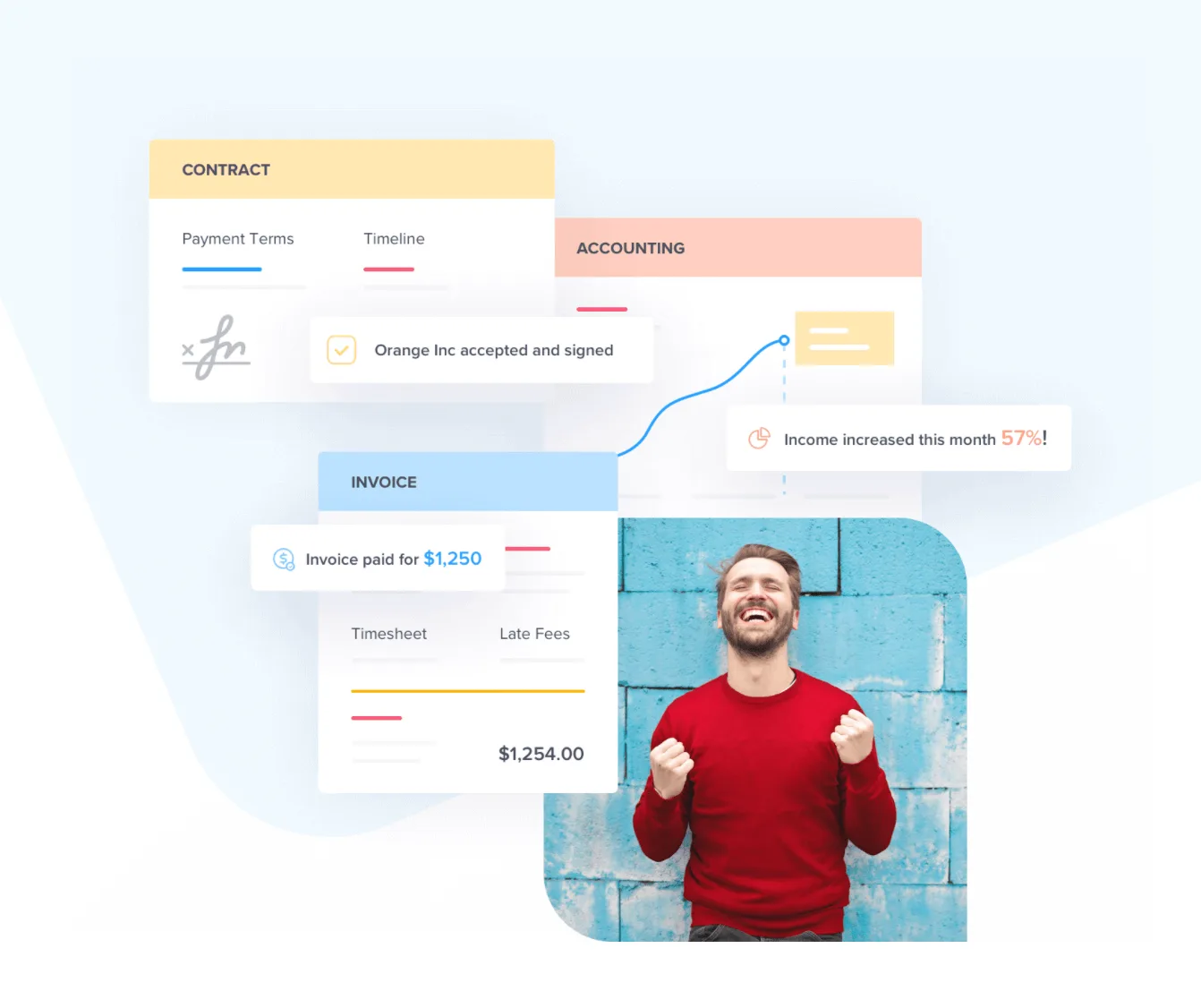
This is where an all-in-one platform like Bonsai comes in. It promises to streamline your entire freelance workflow from the initial proposal to the final payment allowing you to spend less time on admin and more time on the work you love.
But is it still the best freelance tool on the market in 2026? In this in-depth Bonsai review, we break down its updated features, new pricing tiers, and real-world performance based on our 30-day hands-on testing.
Bonsai Review: The Quick Verdict
| Aspect | Rating | Summary |
| Ease of Use | ⭐⭐⭐⭐⭐ | A clean, intuitive interface makes it easy to manage your business from a central dashboard. |
| Core Features | ⭐⭐⭐⭐ | A comprehensive suite covering proposals, contracts, invoicing, and accounting. |
| Pricing | ⭐⭐⭐⭐ | Competitively priced starting at $15/user/month, scaling well for growing agencies. |
| Automation | ⭐⭐⭐⭐⭐ | Smart automations for invoicing and reminders easily replace a dozen separate best AI productivity tools. |
| Overall | 4.6 / 5.0 | An exceptional, polished solution for serious freelancers and boutique agencies looking to professionalize operations. |
What is Bonsai?
Bonsai (often referred to as Hello Bonsai) is an integrated business management platform built specifically for freelancers, consultants, and small agencies. It’s a complete product suite designed to handle the entire client lifecycle through intelligent automation.
With Bonsai, you can seamlessly manage:
- Proposals & Contracts
- Projects & Tasks
- Time Tracking & Invoicing
- Expenses, Accounting & Taxes
The primary goal is to eliminate “app fatigue” and bring everything into one cohesive ecosystem.
Key Features: A Tour of the Bonsai Toolkit
Bonsai’s real strength lies in how beautifully its features interconnect. Let’s explore the core components.
1. Proposals & Legally-Vetted Contracts
Bonsai helps you create stunning, professional proposals that clients can approve with a single click. Once accepted, you can instantly generate a legally-vetted contract.
- Customizable Templates: Start with a pre-built scope of work or proposal template and customize it with your branding.
- e-Signatures: Clients can legally sign contracts online, creating a secure and binding agreement.
- Automated Workflows: Once a contract is signed, Bonsai can automatically require an upfront deposit, generate the first invoice, and launch a project workspace.
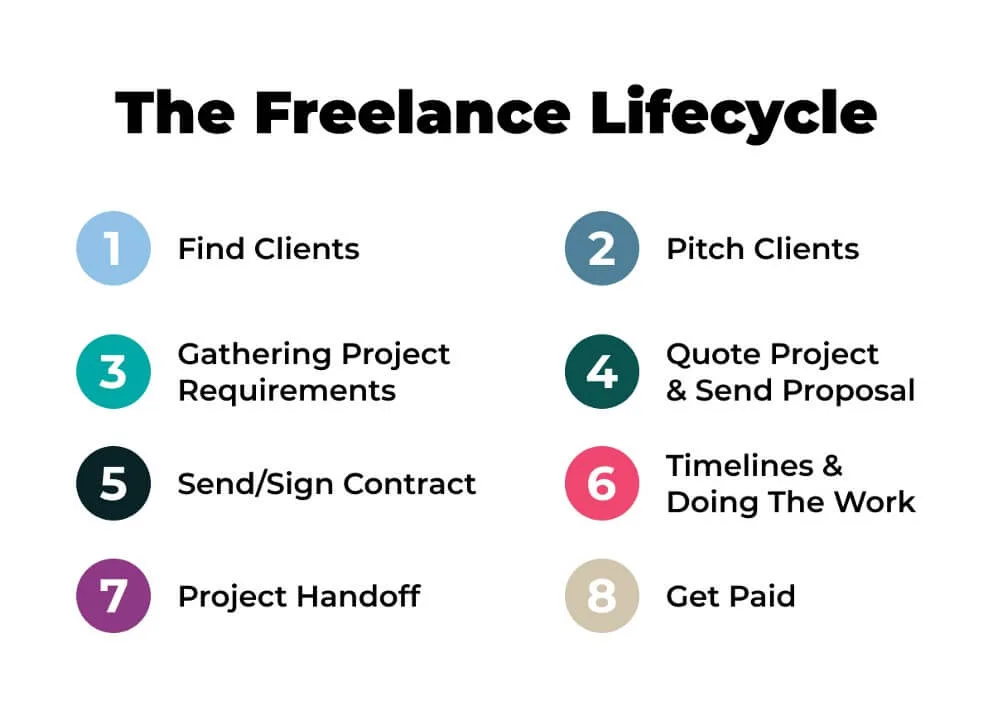
Our Expert Take: The seamless transition from proposal to contract to project is a massive time-saver. The pre-vetted legal templates alone can save freelancers hundreds of dollars in legal fees. In our tests, automated onboarding reduced administrative friction by over 80%.
2. Client Management (CRM) & Project Management
Bonsai provides a centralized hub to manage all your clients and their associated deliverables.
- Freelance CRM: Organize all client data, files, and communications. If you’ve outgrown basic spreadsheets but aren’t ready for complex enterprise tools, this bridges the gap beautifully. (Looking for broader sales tools? Check out our guide to the best CRM software for small business).
- Project Workflows: View active projects, track tasks, and monitor deadlines using Kanban or list views. While it isn’t as robust as standalone best AI project management tools, it offers more than enough for service-based freelancers.
- Client Portal: Invite clients to a dedicated, white-labeled portal to view files, approve work, and pay invoices.
3. Time Tracking & Automated Invoicing
Tracking hours and getting paid are the lifeblood of freelancing. Bonsai completely automates this lifecycle.
- Cross-Platform Time Tracking: Track time via the desktop app, mobile app (iOS/Android), or browser.
- Smart Invoicing: Automatically generate branded invoices from your tracked hours, approved contracts, or fixed proposals.
- Payment Reminders: Set up automated follow-ups for overdue invoices to ensure you get paid on time.
4. Accounting & Tax Tools
Bonsai goes beyond just getting you paid; it helps you manage your money.
- Expense Tracking: Connect your bank account to automatically track business expenses and categorize them for tax season.
- Bonsai Banking: A 0% fee business account that automatically sorts your income for taxes, savings, and bills (available in select regions).
Bonsai Pricing
In 2026, Bonsai revamped its pricing to a per-user model, offering distinct tiers for solo freelancers versus growing agencies. They offer a 7-day free trial to test the platform.
| Feature | Basic | Essentials | Premium | Elite |
| Price/Month (Monthly) | $15/user | $25/user | $39/user | $59/user |
| Price/Month (Annual) | $9/user | $19/user | $29/user | $49/user |
| Target Audience | Occasional Freelancers | Full-Time Freelancers | Small Agencies | Scaling Agencies |
| Time Tracking & CRM | Yes | Yes | Yes | Yes |
| Proposals & Invoicing | No | Yes | Yes | Yes |
| Client Portal | No | Yes | Yes | Yes |
| Project Insights & Gantt | No | No | Yes | Yes |
| Custom Permissions | No | No | No | Yes |
Editor’s Note: For 90% of solo freelancers, the Essentials Plan ($19/mo billed annually) is the sweet spot, granting full access to proposals, invoicing, and the client portal. Be aware that pricing is now per-user, so agency costs will multiply as your team grows.
Bonsai Review: Pros and Cons
Pros
- Truly All-in-One: Effectively replaces 4-5 different apps (DocuSign, Toggl, QuickBooks, etc.), reducing software bloat.
- Highly Professional Image: Creates a polished, seamless, and white-labeled experience for your clients.
- Excellent Automation: Trigger-based invoicing and reminders save hours of manual data entry.
- Bonsai Tax & Accounting: Built-in expense tracking prevents tax-season headaches.
Cons
- Per-User Pricing: The recent shift to per-user pricing makes it much more expensive for small teams/agencies compared to flat-fee alternatives.
- Basic Mobile App: While useful for quick time tracking, the iOS/Android apps lack the depth of the desktop dashboard.
Who is Bonsai Best For?
Bonsai is ideal for:
- Serious Solo Freelancers: If you are freelancing full-time, the Essentials plan provides the exact professional structure needed to scale without hiring an admin assistant.
- Creative Professionals: Designers, writers, and consultants will heavily benefit from the visual proposals and contract templates.
- App Jugglers: If your current system involves a messy combination of Google Docs, Excel, and separate invoicing software, Bonsai will save your sanity.
Final Verdict
After extensive testing, Bonsai remains one of the most polished all-in-one platforms for freelancers in 2026. By successfully combining proposals, CRM, invoicing, and accounting into an intuitive interface, it effectively eliminates administrative bottlenecks.
While agencies should carefully calculate the per-user costs of the Premium and Elite plans, solo professionals will find that the time saved easily justifies the subscription. If you are serious about treating your freelance gig like a true business, investing in Bonsai pays for itself almost immediately.
Frequently Asked Questions
-
Is Bonsai a CRM?
Yes, Bonsai includes client relationship management (CRM) features designed specifically for freelancers, allowing you to manage all your client data, projects, and communications in one place.
-
How long is the Bonsai free trial?
Bonsai typically offers a 7-day free trial, which may require credit card details to begin. You are not charged until the trial period ends.
-
How much does Bonsai cost per month?
Bonsai’s pricing starts at $24/month for the Starter plan. The most popular Professional plan is $39/month. You can get a significant discount (equivalent to two months free) by paying annually.
-
What are the main features of Bonsai?
Bonsai’s core features include customizable proposals, legally-vetted contracts, time tracking, automated invoicing and payments, expense tracking, and project/client management.